How do I configure my EBOX email address on MAC OSX?
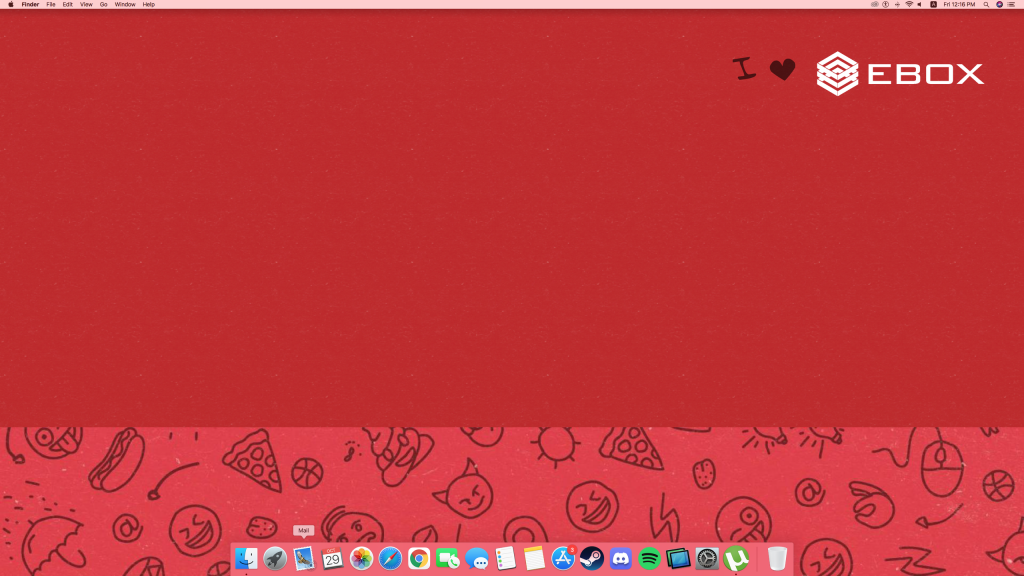
Click on the “Mail” icon on your desktop.
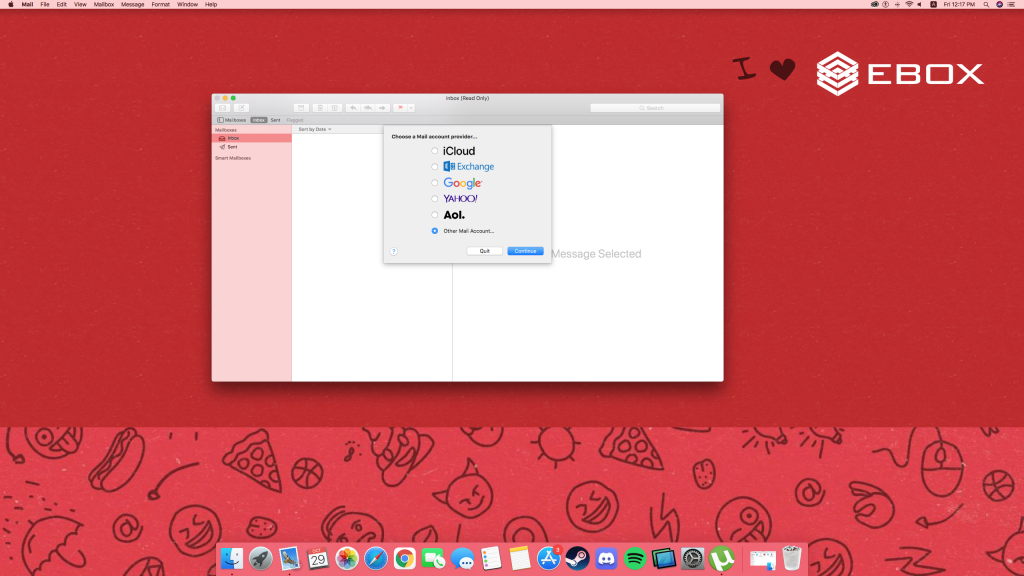
Select: “Other mail account”.
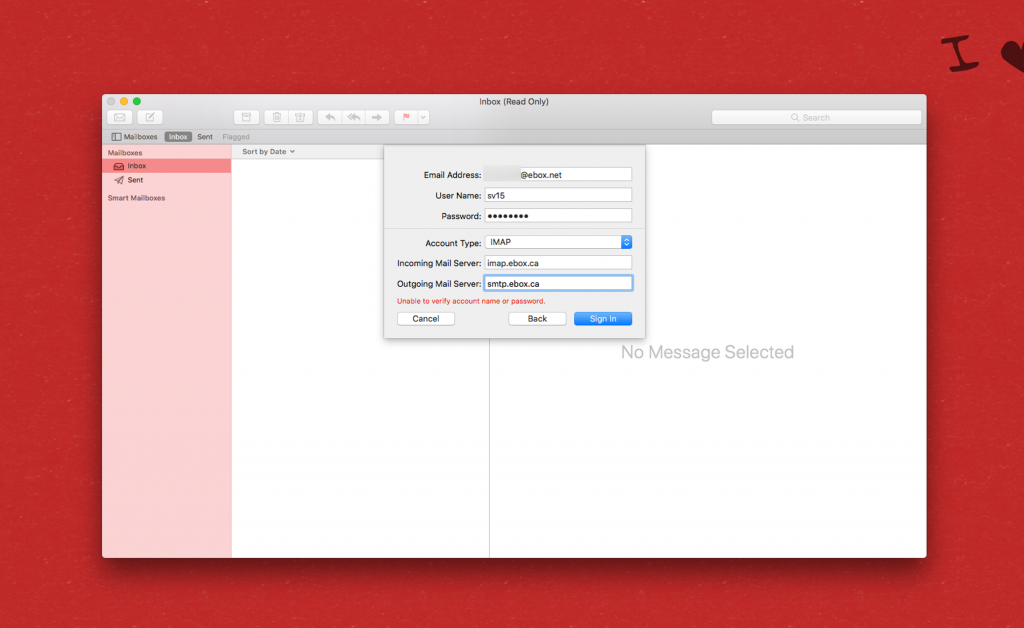
Enter your first and last name, your EBOX email and the associated password.

In the new advanced settings window, fill in the following fields:
- Username: your client code, in capital letters
- Password: the defined password from your email
- Type of account: IMAP or POP3
- Reception server: imap.ebox.ca for the IMAP server OR pop.ebox.ca for the POP3 server.
- Sending server: smtp.ebox.ca
Click on ” Continue” if the message ” Mail can’t verify smtp.ebox.ca server identity “.
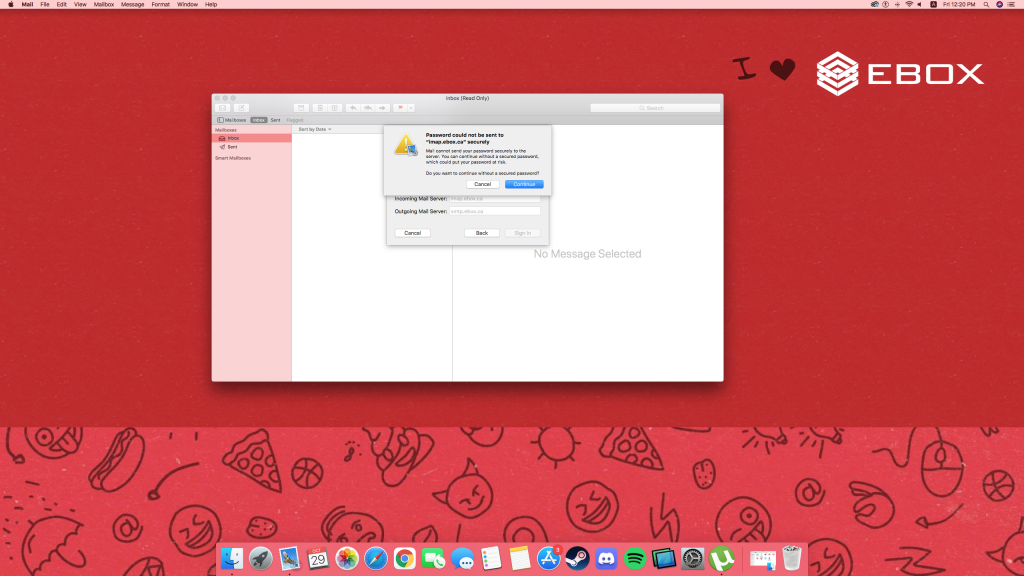
Also click on “Continue“, if the message: “The password could not be sent securely to imap.ebox.ca”.
Finally, select the applications to synchronize with this email account and click on ” Finish“.
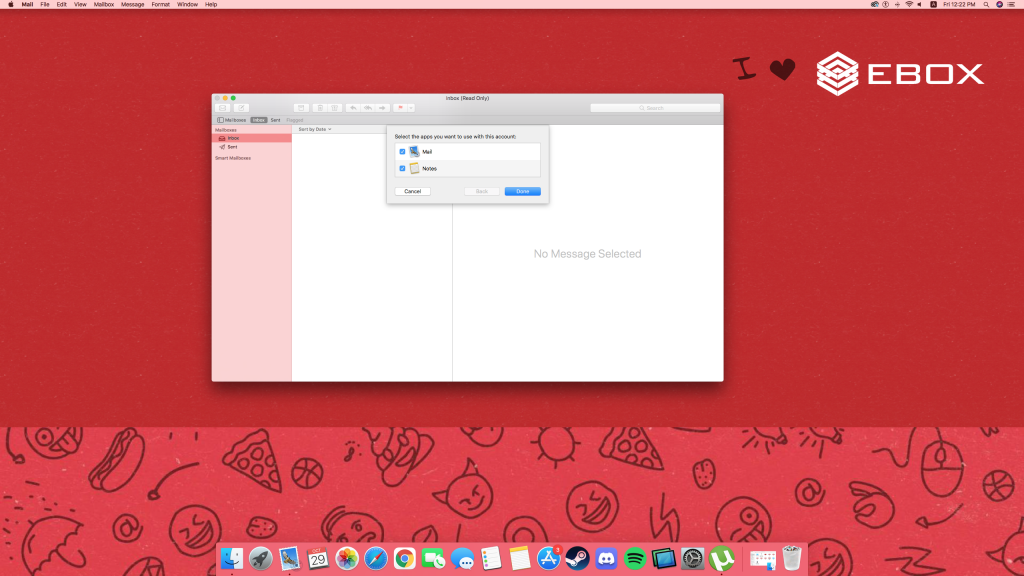
Congratulations, the configuration is finished!
EBOX Internet you want it?
Sign up now