EBOX TV User Guide Model 3.0
Download the EBOX TV 3.0 User Guide
First Steps to Set Up Your EBOX TV Box
 Activate your service

To start watching, log in to your Customer Zone and activate your channels.
The activation option is highlighted on the homepage. You’ll need your customer code and password.
Need a hand? Step-by-step help is available here.
 Connect your set-top box
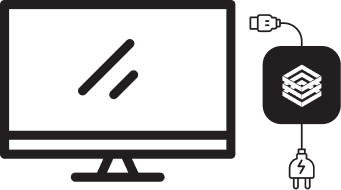
Connect the box to a power outlet using the USB-C cable. Then, connect it to your TV with an HDMI cable.
On your TV, select the right input/source.
 Complete the on-screen setup

Insert two AAA batteries into your remote, follow the simple on-screen instructions, and you’re ready to go!
Useful Links for EBOX TV
EBOX Internet you want it?
Sign up now