How to change closed caption settings?
Changing closed caption settings
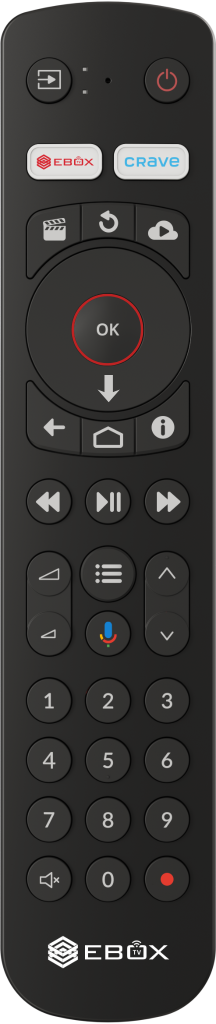
While watching a program, press “OK” or the down arrow on the remote control to open the player.
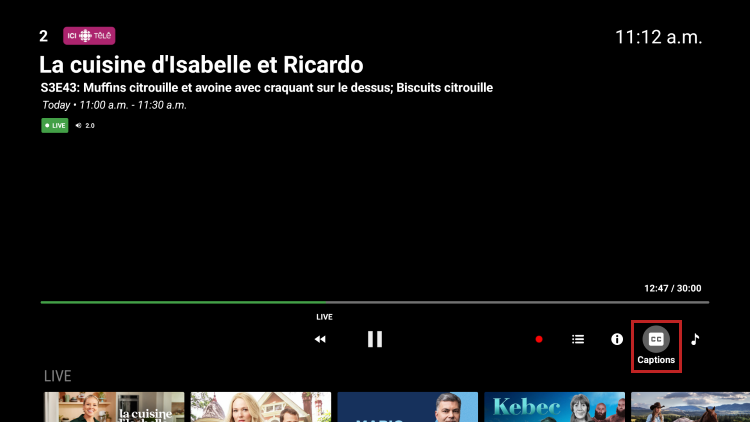
At the bottom right of the player, press the “CC” icon to enable or disable closed captions.
EBOX Internet you want it?
Sign up now