How to change the system language?
Changing the EBOX TV system language
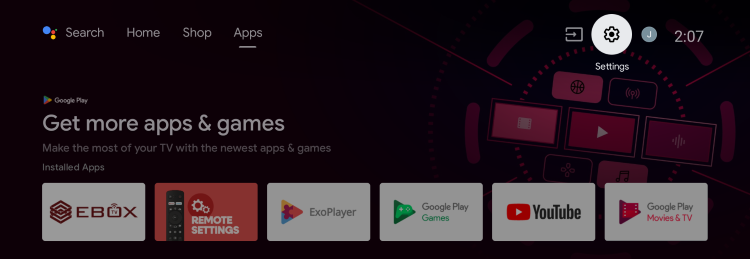
From the Android menu, select the “Settings” menu identified by the gear icon in the top right corner.
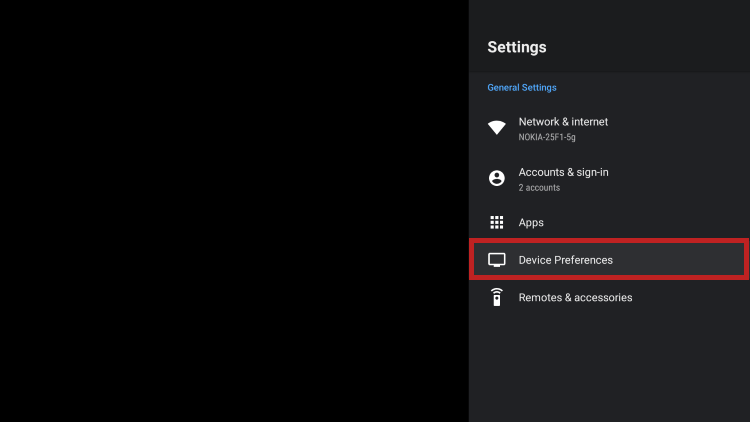
In the Settings menu, select “Device Preferences.”
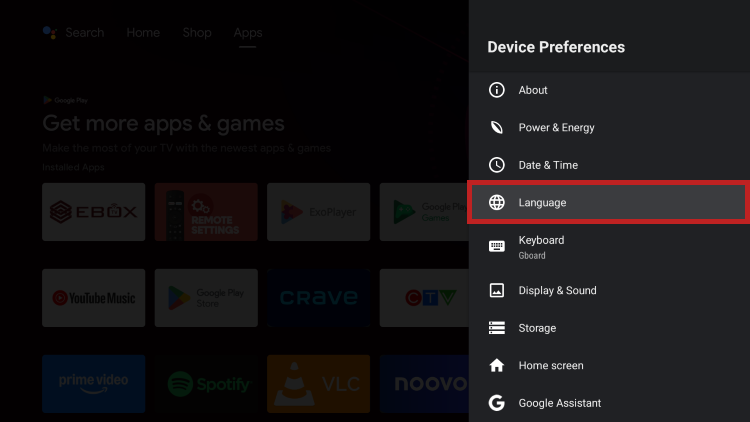
Then select the “Language” option and choose the desired language.
EBOX Internet you want it?
Sign up now