How to watch video on demand?
Watch the video on demand
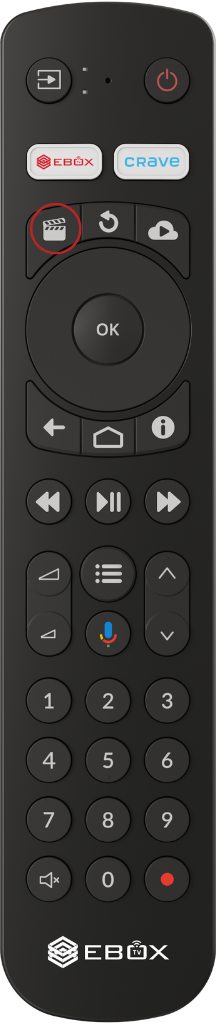
In the EBOX TV app, select the “VOD” (Video On Demand) menu or press the “Video on Demand” button on the remote control.
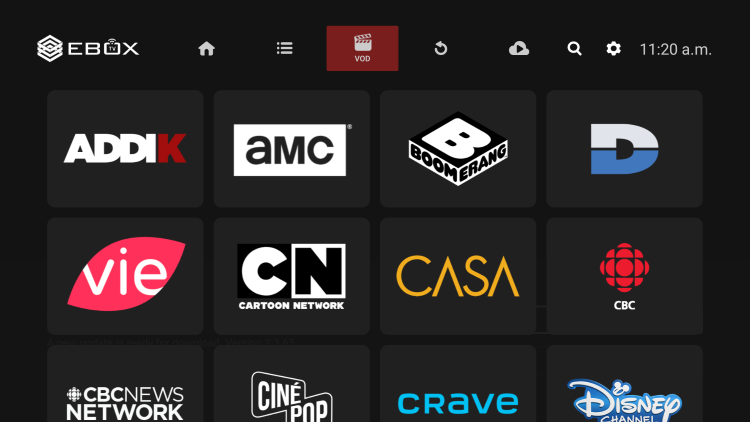
In this section, you can see the channels included in your package that offer video-on-demand content. Explore the channels and their different sections to find your favourite content.
EBOX Internet you want it?
Sign up now