Voice recognition is not working
Voice recognition issue
If voice recognition does not work, the Google Assistant may not have been enabled during the initial setup of the device.
To activate voice recognition
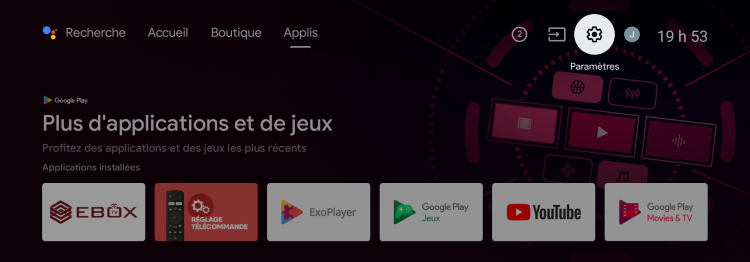
From the Android home screen, access “Settings” by selecting the gear icon in the upper right corner.
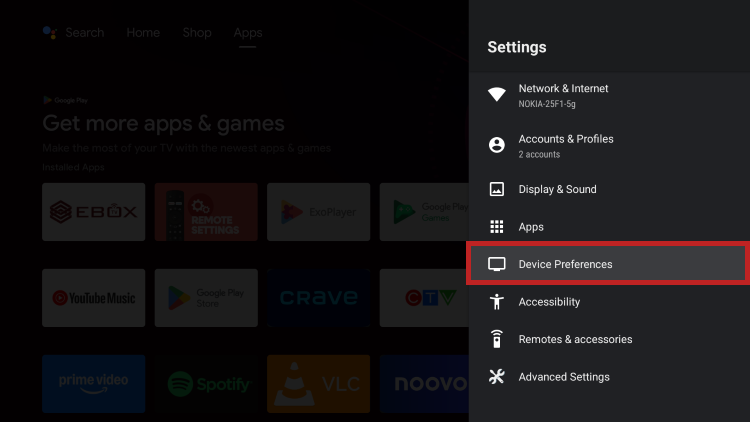
Select “Device Preferences”.
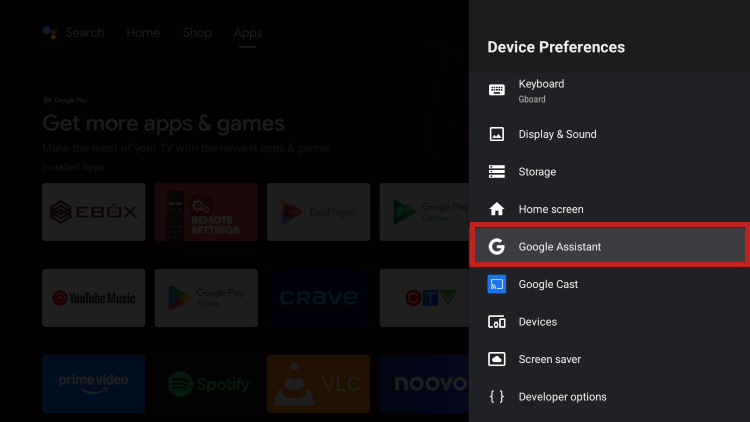
Then select “Google Assistant “.
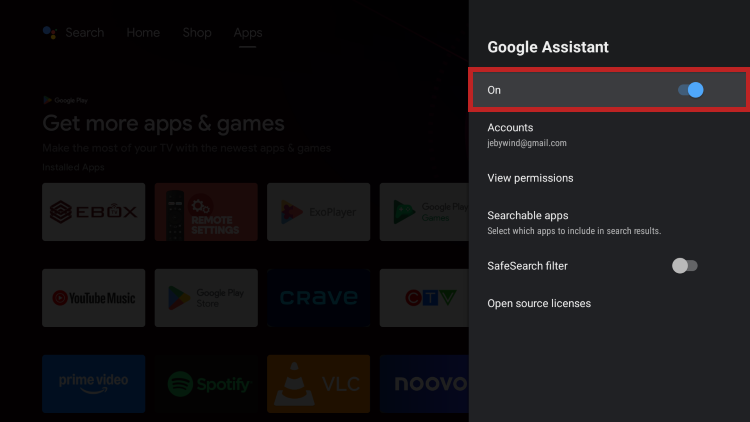
Activate the Google Assistant by sliding the button to the right.
Important notice: The voice assistant does not work when the remote control is in infrared mode.
EBOX Internet you want it?
Sign up now