How do I login to the EBOX TV app ?
Login to the EBOX TV app
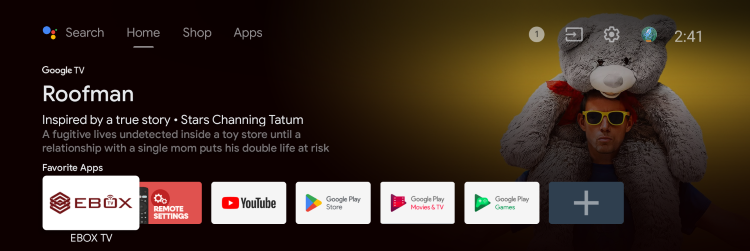
Press the “Home” button on the remote control to access the Android Home menu.

In the Android Home menu, select the EBOX TV app icon and press “OK” to open it.
A login page will open. You will need to enter a username and password. If you have already created your customer zone, use your client code and the associated password.
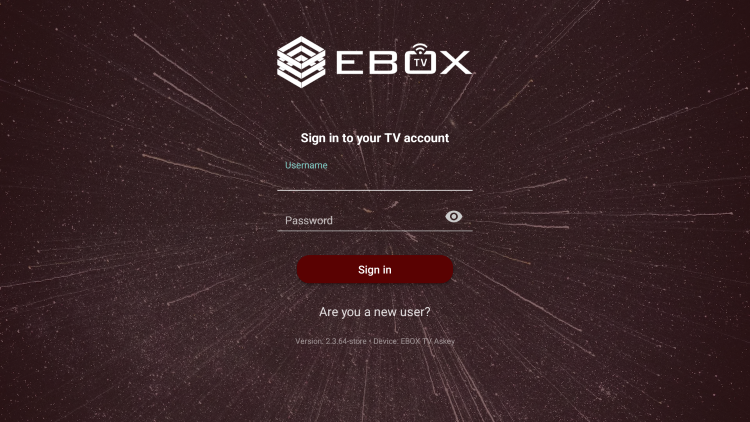
If you have not created your account, you will need to do so in order to be able to open the EBOX TV app.
EBOX Internet you want it?
Sign up now