Activate an EBOX TV account on Crave
Activate an EBOXTV account on the Crave website
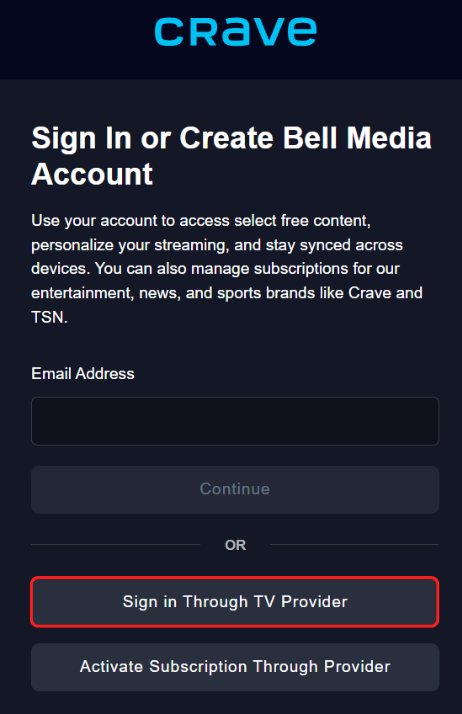
Go to the website www.crave.ca and select the “Sign in” option in the top right corner. Then click on the “Sign in via your TV provider” option.
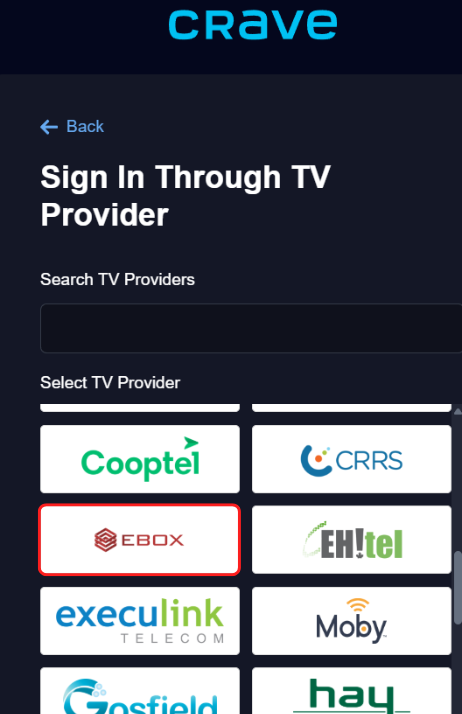
Then select EBOX in the provider list.
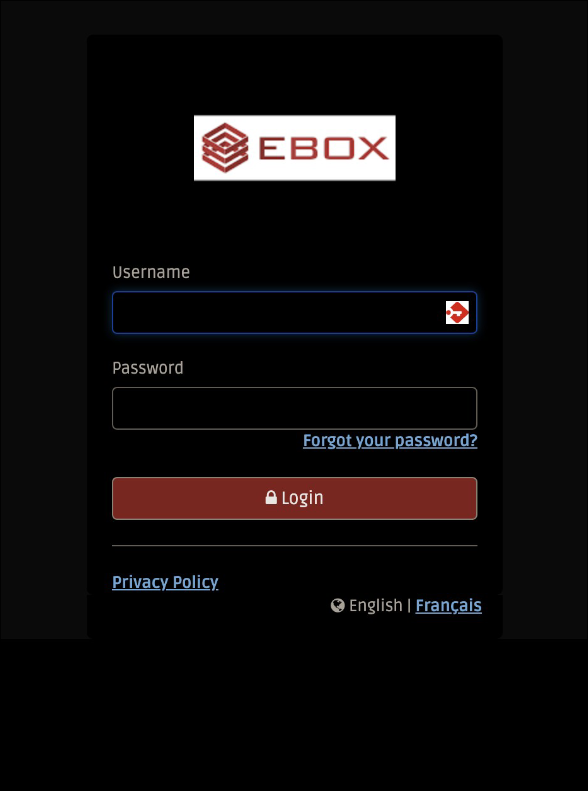
You will be redirected to the EBOX login page. Enter your username and password.
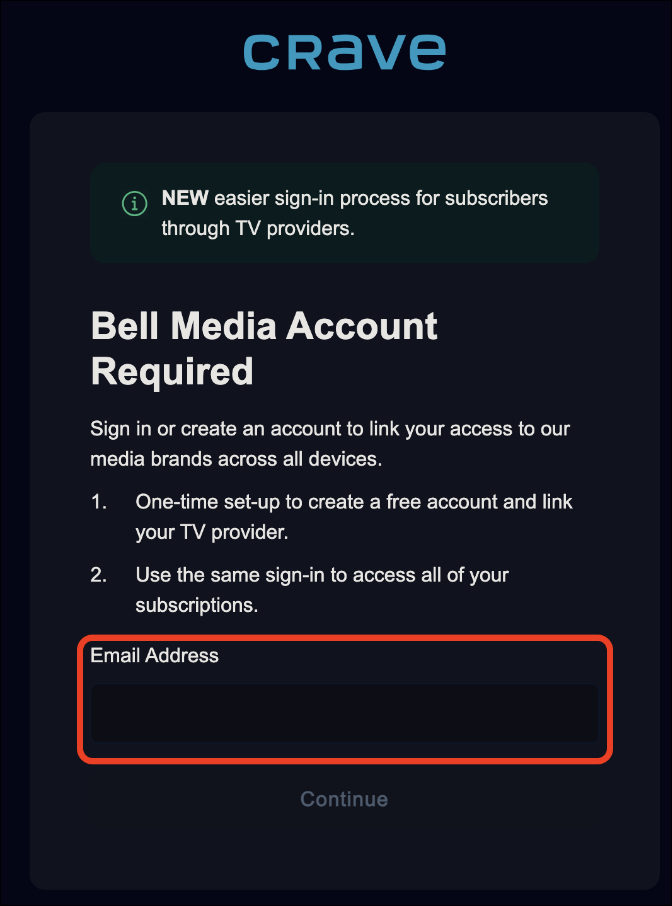
Crave will display the following window. In the “Email Address” box, enter the email address you want to use to log in to the Crave service.
You will be prompted to create a password.
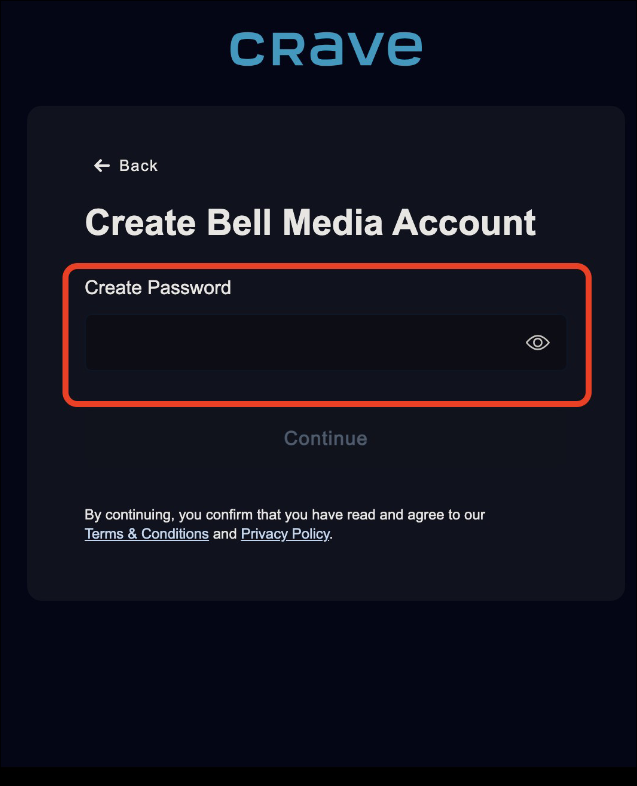
Once you have created your password, Crave will send a verification code to your email address. Enter the 5-digit code in the space under “Enter your email code”.
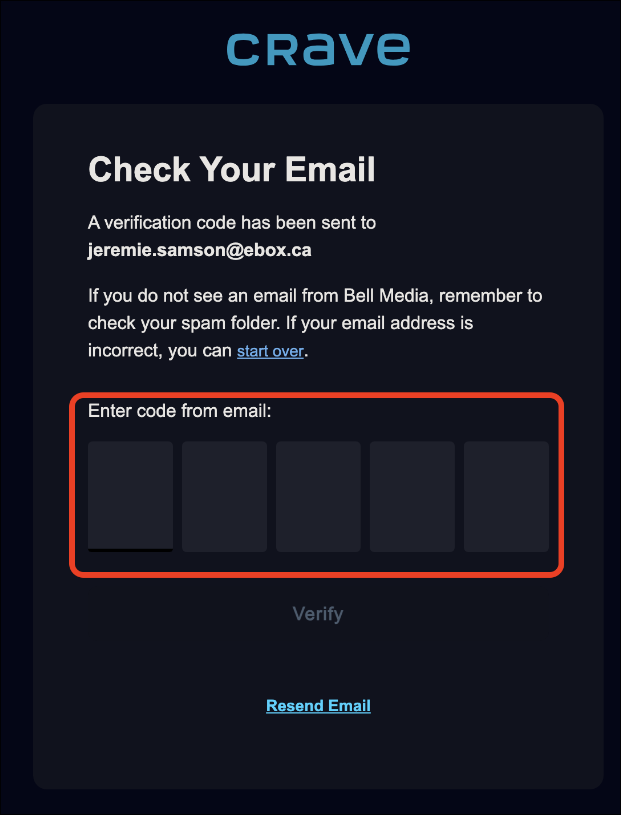
You will then receive confirmation that the account has been created.
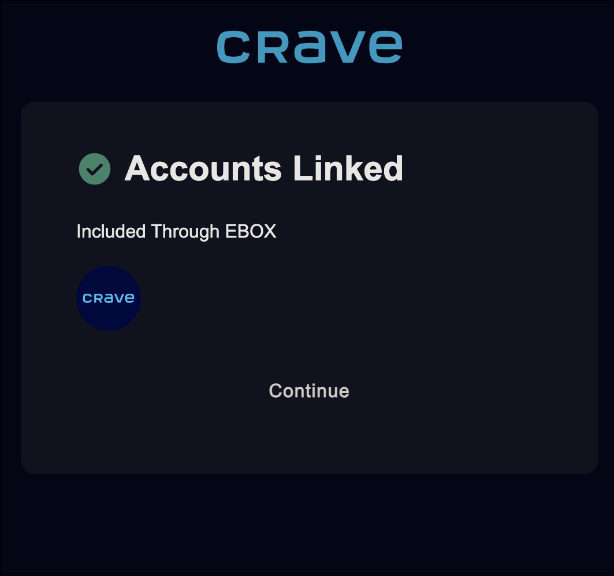
The account is now ready to use.
EBOX Internet you want it?
Sign up now