Synchronize your EBOX remote with your TV
Synchronizing your EBOX TV remote with your TV
To identify your device model, look at the label under the EBOX TV set-top box:
- EBOX TV 1.0 (Sagemcom)
- EBOX TV 2.0 (Technicolor)
- EBOX TV 3.0 (Askey)
Synchronizing remote control for EBOX TV 1.0 and 2.0
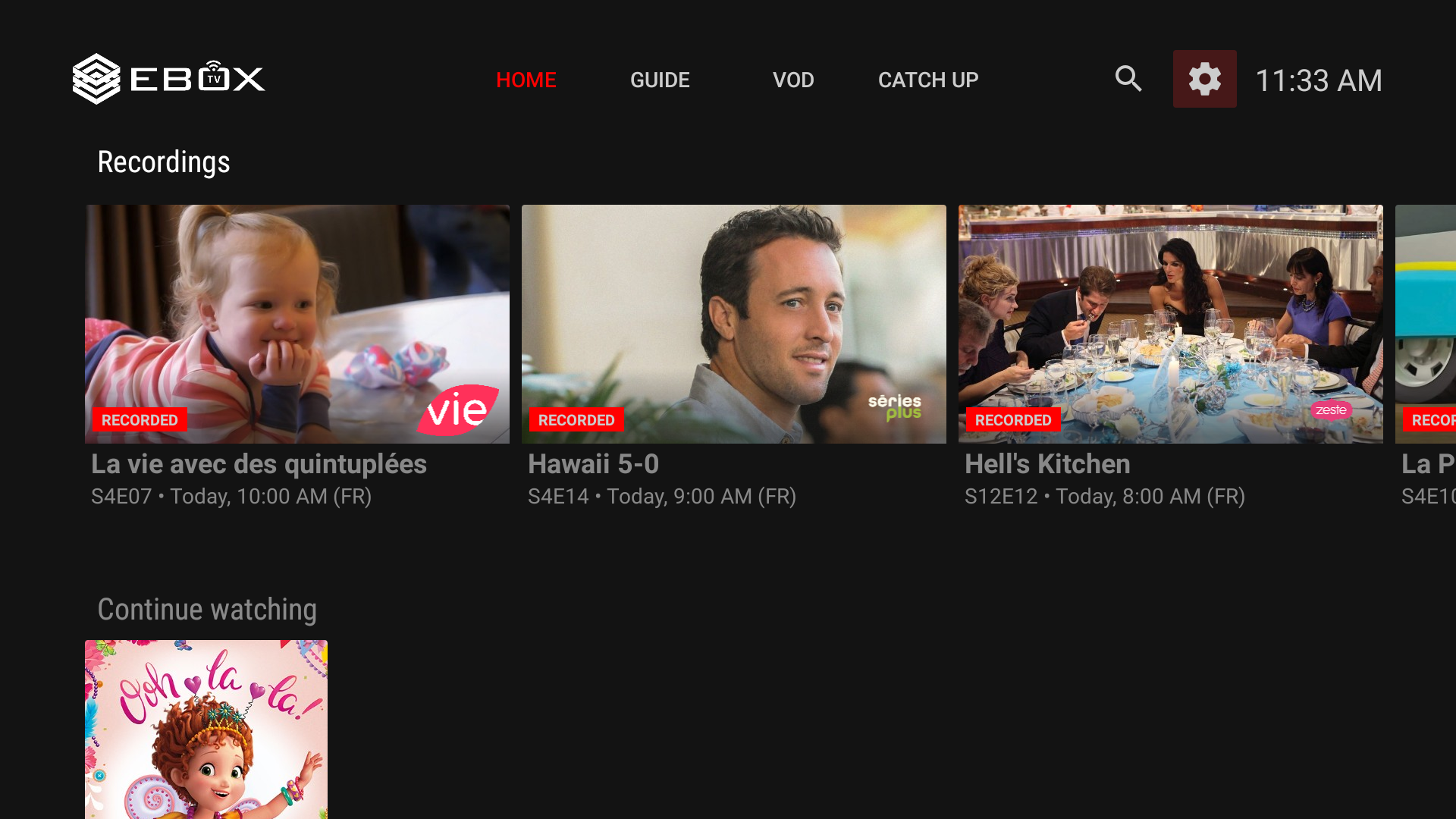
Go to the “Settings” section of the EBOX TV application.
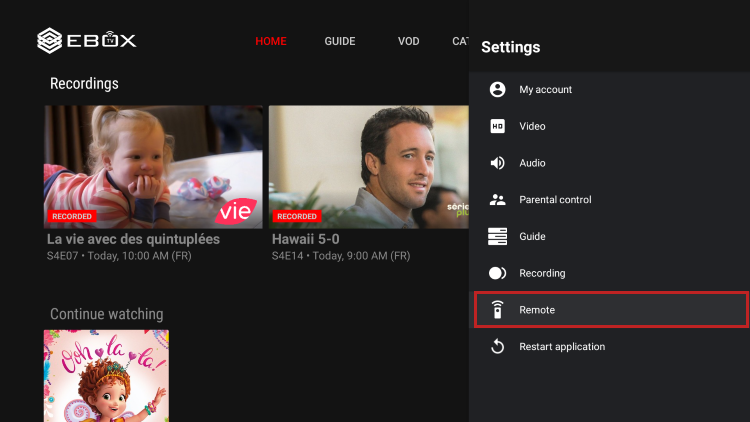
Select “Remote”
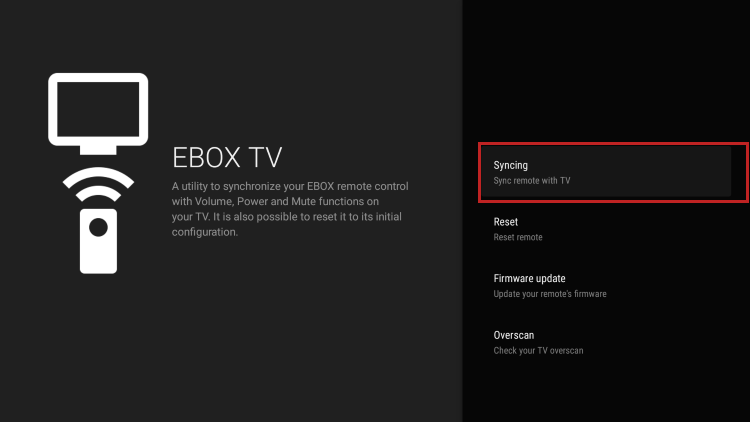
Select “Synching”
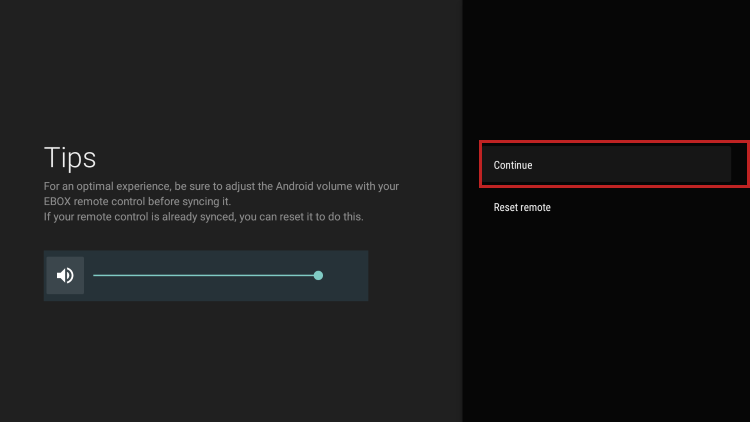
Make sure the Android system volume is at its maximum and click on “Continue”
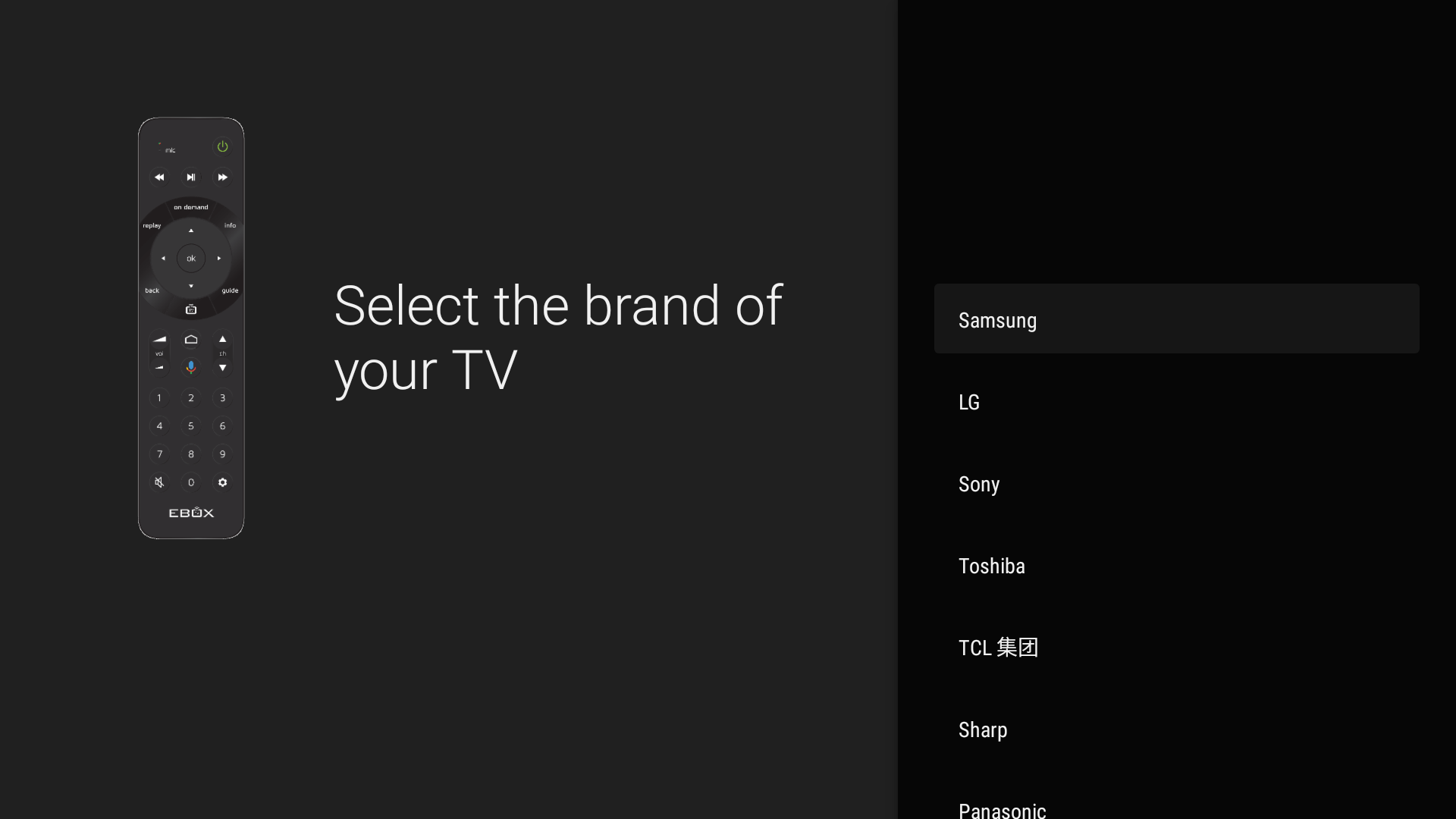
Select your TV manufacturer and test the codes displayed on the screen until you find one that works. To test, try increasing the TV volume with your EBOX remote control. If it doesn’t work, select “Try another code”.
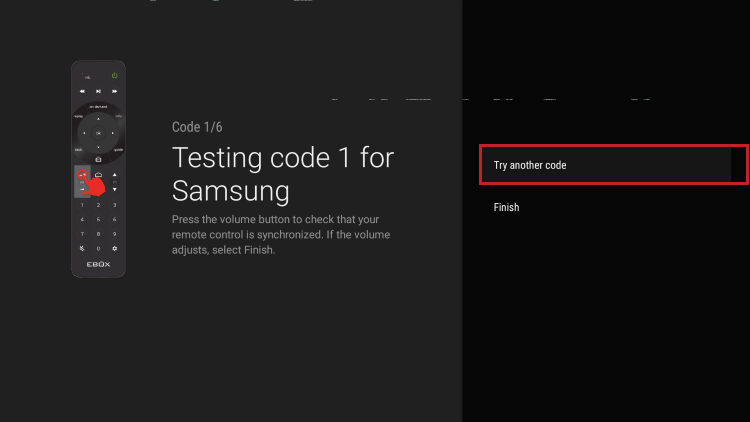
To finalize the pairing, select “Finish”. Your remote control is now paired in infrared.
Synchronizing remote control for EBOX TV 3.0
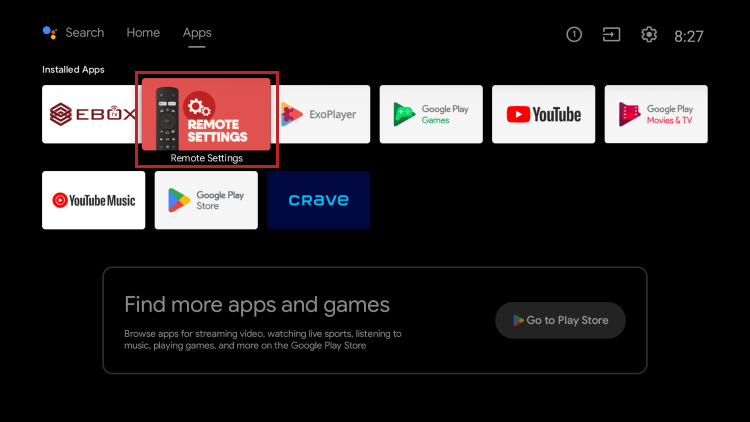
Pairing the remote control with the television allows you to control the volume, power on/off, and input selection of the television. To do this, launch the “Remote Settings app” found in the Home menu and follow the on-screen instructions.
EBOX Internet you want it?
Sign up now